Multi-factor authentication (MFA) means proving who you are with at least two different kinds of evidence, not just a password. It matters because passwords are routinely stolen, guessed and reused, and a second check can stop an attacker who holds the password but nothing else.
This guide explains the idea behind the term, walks through what happens at a login, and sets out honestly what MFA does and does not protect against.
What is multi-factor authentication?
The US Cybersecurity and Infrastructure Security Agency (CISA) describes MFA as a layered approach to securing online accounts and the data they contain: you present two or more authenticators before a service lets you in. An authenticator is simply a piece of evidence, such as a password, a code or a fingerprint.
Both CISA and the US National Institute of Standards and Technology (NIST) sort that evidence into three categories:
| Category | Plain meaning | Examples |
|---|---|---|
| Knowledge | Something you know | Password, PIN |
| Possession | Something you have | Phone with an authenticator app, security key, smart card |
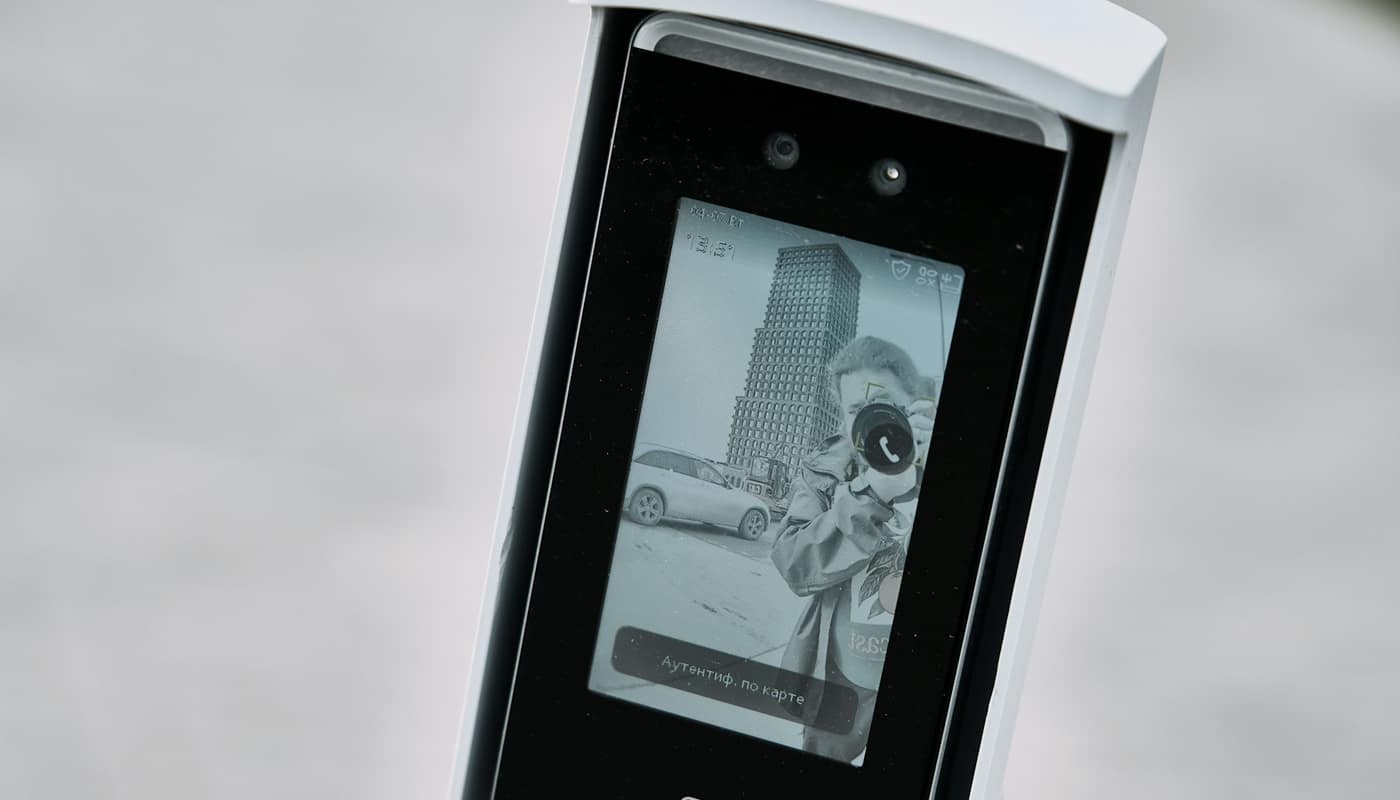
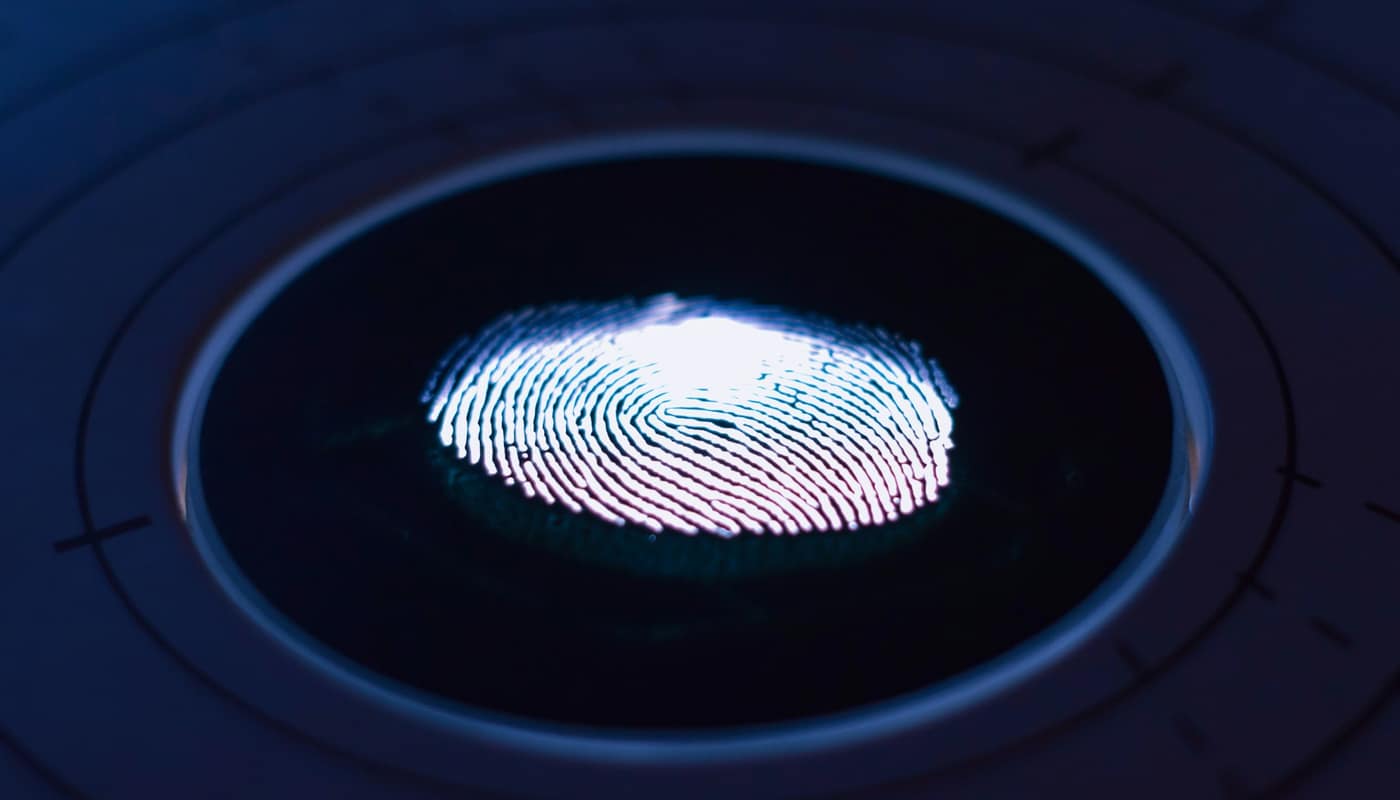
| Inherence | Something you are | Fingerprint, face scan |
A real second factor comes from a different category than the first. Two passwords, or a password plus a security question, are both “something you know,” so they add much less. The UK National Cyber Security Centre (NCSC) says that two-step verification, two-factor authentication (2FA) and MFA are different names for the same kind of second login check, which is why you will see all three labels in account settings.
How does a login with MFA work?
A typical sign-in has two moments. First you enter your username and password. If they are correct, the service does not yet let you in; it asks for a second proof. According to the NCSC, that is often a code sent by text message or email, but it can also be a fingerprint, a face scan or a code from an authenticator app. Some organizations accept a separate device such as a banking card reader or a USB key, and the NCSC notes that you do not need a mobile phone to use the method.
Many services do not ask every time. The NCSC says that once the feature is on, you are typically asked for the second step only when activity looks suspicious, for instance a login from a new device or a request to change your password.
Think of an illustrative case. An attacker buys a list of leaked usernames and passwords and tries yours on your email account. The password is correct, so without MFA the attacker is in. With MFA, the service sends the second challenge to your phone or key, which the attacker does not have, and the login fails. You may also get a notification that someone tried, which is a useful warning that the password is no longer secret.
Why does MFA matter when passwords already exist?
Passwords fail in ways that have little to do with how clever they are. The NCSC names three routes:
- Data breaches. Passwords stolen from one organization are tried against accounts elsewhere, a technique called credential stuffing. It works when people reuse the same password on several services.
- Phishing. Scam messages send you to a fake page that asks you to log in, handing your password to the attacker. Our guide to recognizing a phishing message covers the warning signs.
- Strong passwords are still exposed. The NCSC states that even accounts protected with strong passwords benefit from 2-step verification, because a long password does not help once it has been captured.
CISA’s guidance makes the same point from the other side: if an attacker steals a password, that person still cannot meet the second requirement, and CISA says users who enable MFA are significantly less likely to be hacked. NIST adds that passwords alone are not effective for protecting sensitive business assets, and that MFA creates a second barrier that makes it much harder for a threat actor to reach systems and data.
None of these agencies publishes a single precise “percent of attacks blocked” figure in the guidance reviewed here, so any exact statistic you see quoted elsewhere is worth tracing back to its original study before you rely on it.
What does MFA miss? Common misconceptions
MFA is a strong safeguard, not a guarantee. Four misunderstandings come up repeatedly.
“Any second step is equally safe”
It is not. NIST notes that some forms of MFA are susceptible to phishing, including one-time codes and text-message codes. If a fake site asks for your password and then your code, the attacker can pass both to the real site in real time. CISA’s hierarchy ranks methods from strongest to weakest on exactly this basis, and our comparison of MFA methods walks through the tiers.
“Phishing-resistant is a marketing phrase”
It has a specific meaning. A phishing-resistant method ties the login to the genuine website, so a lookalike page cannot collect something usable. CISA calls FIDO/WebAuthn the only widely available phishing-resistant option, and NIST describes FIDO authenticators used with the W3C Web Authentication API as the most common form available today, covering both hardware keys and authenticators built into devices. Passkeys are the consumer-friendly version of this approach.
“A push approval is as good as a code”
When an app simply asks you to tap “approve,” an attacker who already knows your password can trigger prompt after prompt, hoping you accept one out of annoyance or confusion. CISA’s guidance says that where phishing-resistant MFA is not possible, organizations should use number matching, which makes you type a number shown on the login screen, to help block this kind of push-notification bombardment.
“Once MFA is on, I am done”
The second factor protects the login, not everything around it. Attackers can also go after the recovery route, such as the phone number or email address used to reset access, or simply talk a person into reading out a code. Anyone who asks you for a verification code is not a legitimate helper, and AI-written scam messages are making such requests sound more plausible, as we describe in our piece on AI-assisted phishing.
How to turn on MFA: a short checklist
The NCSC says setup takes only a few minutes. The steps are broadly the same everywhere:
- Open the account’s security settings and look for 2-step verification, two-factor authentication or MFA.
- Choose a method the service supports. If there is a choice, prefer a security key or passkey, then an authenticator app, then text messages.
- Follow the on-screen prompts to register the device or key.
- Save any recovery options the service offers, and add a second device if it allows one, so that losing a phone does not lock you out.
Recovery rules differ from one provider to the next, so check each service’s own help pages for how it handles a lost device.
Which accounts come first?
Start where a break-in does the most damage. The NCSC recommends your most important accounts: email, banking, social media and online shopping. CISA’s list of places to enable MFA also includes financial services, gaming and streaming accounts. Email deserves special priority because password-reset links for nearly every other service land there; whoever controls the inbox can often take over the rest.
If a service does not offer MFA at all, CISA suggests asking the company to enable it.
What changes for businesses and organizations?
NIST’s small-business guidance moves from personal habit to policy. It advises organizations to inventory their systems to see which ones offer MFA, enable it on the most sensitive first, and use phishing-resistant options wherever they are available, enforcing or at least offering them for sensitive data and privileged users such as administrators. It also recommends training employees on how to enable MFA and why it matters, and adopting a written policy requiring it.
NIST pairs this with housekeeping that MFA cannot replace: limit access to those who need it, remove access when roles change or people leave, restrict administrative privileges and use a password manager. CISA likewise urges organizations to plan a move to phishing-resistant MFA, and points them to its Capacity Enhancement Guide, “Implementing Strong Authentication.”
One caveat on dates: CISA’s “More than a Password” page is archived content, and the agency says it may not reflect current policy or programs. NIST’s small-business MFA page was last updated on January 5, 2026. Check the agencies’ current pages for the latest recommendations.
The bottom line on MFA
A password is one lock; MFA adds a second, different kind of lock. It does not make an account invulnerable, and the choice of method decides how well it resists a determined phisher. But it turns a stolen password from a complete failure into an incomplete attack, which is why every authority consulted here recommends switching it on wherever it is offered, starting with email and money, and moving to phishing-resistant methods as they become available.
This is general information, not a substitute for professional security advice.
Sources: CISA; NIST; UK National Cyber Security Centre