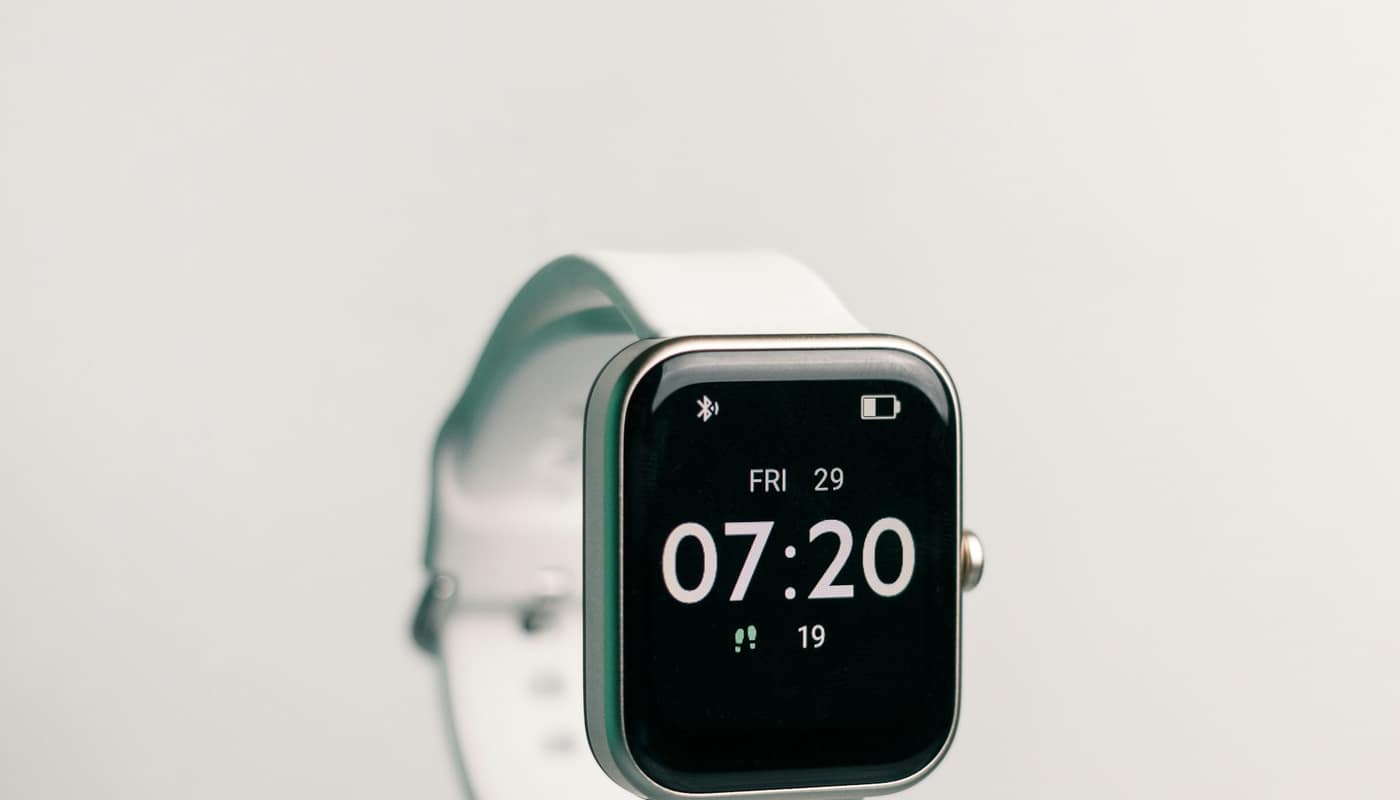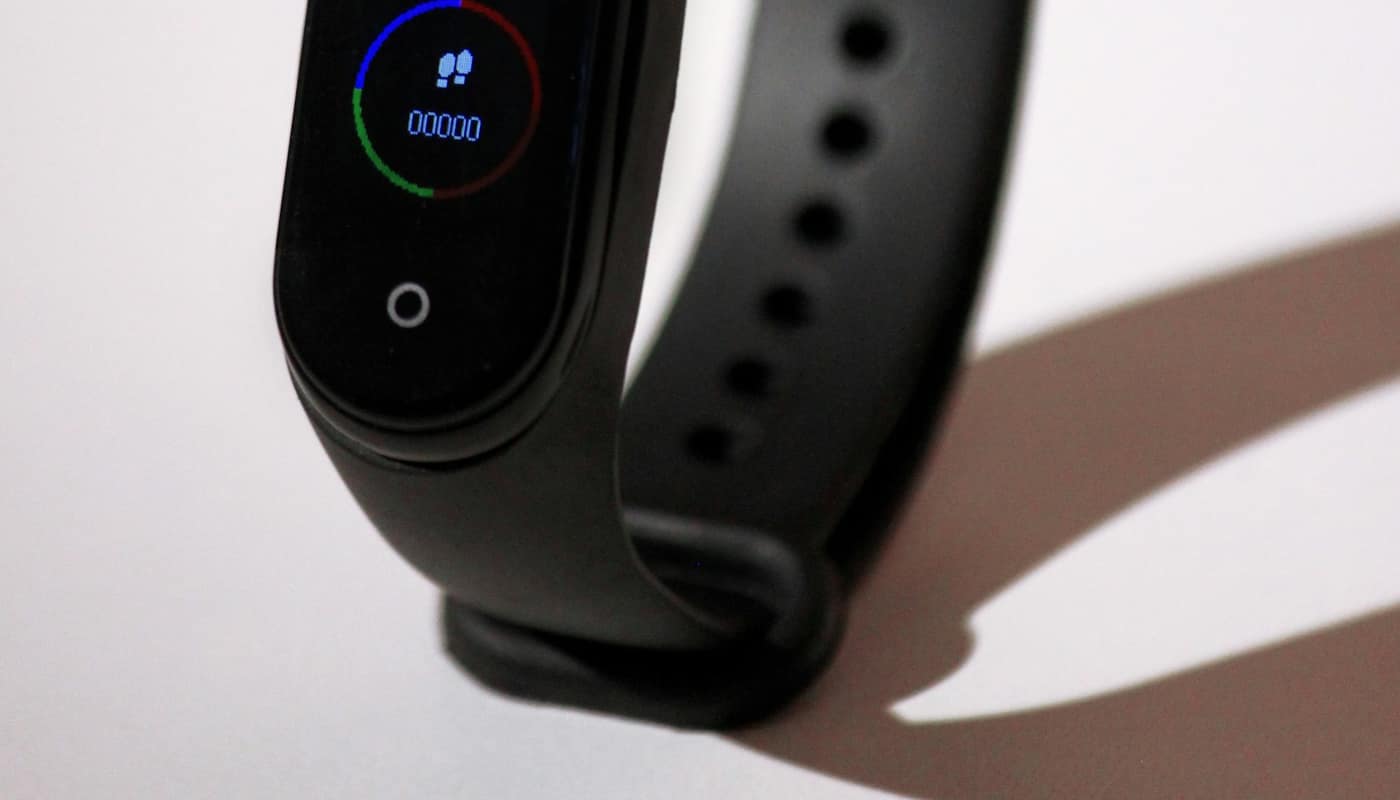
Bluetooth pairing is the short introduction that lets two gadgets trust each other, and the way it is done shapes how well the connection resists snooping. This article explains what happens during pairing, how the common methods differ, and what the US National Institute of Standards and Technology (NIST) says about securing the technology.
What pairing actually does
Bluetooth is a short-range wireless technology used for earbuds, fitness bands, smartwatches, keyboards, speakers, game controllers and car systems. Two devices that have never met cannot simply start exchanging private data, because anyone nearby could in principle listen in or pretend to be one of them. Pairing is the first-time procedure that solves this.
During pairing, the two devices agree on a secret value, usually called a key. Later conversations are scrambled (encrypted) using keys derived from that secret, so that a third party who captures the radio signal cannot read it. Many devices also store the result so the next connection happens automatically; this stored relationship is often called bonding. That is why a pair of earbuds reconnects to a phone without any prompt after the first setup.
Two ideas are worth separating:
- Connecting means the radio link is active right now.
- Pairing means the devices have established trust and a shared secret that can protect later links.
A device can be paired but not currently connected, which is why a phone’s Bluetooth list shows saved devices that are switched off.
Two flavors of Bluetooth in one gadget
According to NIST, its guide to Bluetooth security covers Bluetooth versions 1.1, 1.2, 2.0 with Enhanced Data Rate, 2.1 with Enhanced Data Rate, 3.0 with High Speed, 4.0, 4.1 and 4.2, and the agency notes that versions 4.0 and later include the low energy feature. That range hints at how long the technology has been evolving.
In everyday terms, there are two broad modes inside the same family. The older “classic” mode suits steady streams such as music to a headset. Low energy mode is designed for small, occasional bursts of data and long battery life, which suits fitness bands, sensors and trackers. Many modern phones support both, and the pairing procedures for each differ in detail while following the same basic logic: prove you are talking to the right device, then create keys.
This split also helps explain why a wearable can last days on a small battery while still staying linked to a phone. The trade-off is that simpler, lower-power devices sometimes have fewer ways to confirm what the user sees, a point that matters in the next section. Readers interested in what small batteries endure over time can read the explainer on battery health.
How do the common pairing methods differ?
Bluetooth specifications describe several ways to carry out pairing. The names vary slightly between versions, but four models come up repeatedly in security discussions.
| Method | What the user does | Typical devices | Main limitation |
|---|---|---|---|
| Just Works | Nothing beyond accepting the connection | Speakers, simple earbuds, devices without screens | No check that the other device is the intended one |
| Numeric comparison | Confirms that the same short number appears on both screens | Phones, laptops, cars with displays | Needs a display and a confirmation control on both sides |
| Passkey entry | Types a code shown on one device into the other | Keyboards, devices with an input method | A weak or reused code reduces protection |
| Out of band | Uses another channel, such as a tap between devices | Some accessories and phones | Needs both devices to support that extra channel |
The table is a simplified guide to how these models are generally described, not a transcription of any one document. The central point is the first row. When a device has no screen and no keypad, it often cannot ask the user to verify anything, so the connection is accepted on trust. That is convenient, and it is also the weakest arrangement against an attacker who is actively positioned between two devices while they pair. The stronger methods add a human check or a second channel to defeat that kind of interference.
Why a short number on two screens matters
Numeric comparison is easy to dismiss as a formality, but it carries real weight. If a third device were trying to sit in the middle of a pairing, the two genuine devices would end up computing different numbers. The user looking at both screens would see a mismatch and could cancel. Without the comparison, the mismatch would go unnoticed.
This is a general design principle in security: a small human step at the right moment can defend against attacks that software alone cannot spot. It is also why prompts that ask “Do these codes match?” are worth reading rather than tapping through.
What NIST says about securing Bluetooth
NIST publishes Special Publication 800-121, titled as a guide to Bluetooth security. According to NIST’s publication page, the current revision is Revision 2, whose document history lists a final version dated January 19, 2022; the page says it supersedes an earlier version dated May 8, 2017. The abstract says the publication “provides information on the security capabilities of Bluetooth” and gives recommendations to organizations on securing Bluetooth technologies.
NIST lists the publication under several families of security controls: access control, system and services acquisition, system and communications protection, and system and information integrity. In plain language, those cover who may connect, what an organization buys, how data in transit is protected, and how flaws are handled.
The guide is aimed at organizations rather than individual shoppers, so it should not be read as a consumer checklist. Its existence, however, signals that Bluetooth is treated as a security-relevant technology in the same way as Wi-Fi or any other wireless link. The full recommendations are in the document itself, and anyone responsible for managing devices at a workplace should consult it directly rather than relying on a summary.
Is Bluetooth less safe than a cable?
A wireless link has a different exposure than a wire. A cable can only be tapped by someone with physical access, while a radio signal can in principle be received by anyone within range. Bluetooth is designed for short distances, which narrows the audience, but range is not a security guarantee, since a determined listener can use better equipment than a typical phone.
What reduces risk is the combination of encryption, sound pairing and up-to-date software. Pairing sets up the keys, encryption uses them, and updates fix flaws found in implementations over time. Weaknesses discovered in the field have most often been in how particular products implemented the technology, which is why manufacturers issue updates to phones, earbuds and car systems.
It is also worth noting what Bluetooth does not do. It does not by itself make an app or an account safe, and it does not hide the fact that a device is nearby. Some wearable and accessory makers have faced privacy questions about location tracking via nearby signals; similar questions arise for smart glasses, which depend on the same kind of wireless links.
Habits that follow from how pairing works
General good practice follows directly from the mechanics above. These are not drawn from a single source but are consistent with the principles described:
- Pair in a place you trust. Pairing is the moment of greatest exposure, so an office, home or vehicle is better than a crowded public space.
- Read confirmation prompts. If two screens show a number, check that it matches before accepting.
- Turn off discoverability when finished. Many devices can be found by others only while set to be visible, and leaving that on longer than needed widens the audience.
- Remove old pairings. Saved devices that are sold, lost or no longer used should be forgotten from the phone or laptop.
- Keep software current. Updates to phones, accessories and car systems are how implementation flaws are fixed.
- Be cautious with unexpected requests. A pairing prompt that appears when nobody is trying to connect is a reason to decline.
For anyone choosing between wired and wireless accessories, the choice is not only about security. Charging, convenience and standards also matter, as the EU common charger rules show for the wired side of the same gadgets.
What remains unsettled
Several questions are outside what a short explainer can settle. First, the security of a given product depends on its own firmware, and two devices that both claim the same Bluetooth version can behave very differently. Second, the labeling on retail packaging rarely says which pairing method a product supports, so buyers usually cannot tell at the shelf. Third, the standard continues to evolve beyond the versions named in the NIST publication’s scope, which stops at version 4.2; newer versions exist and are not covered by that scope statement. Readers should treat any claim about the very latest features as something to check with the specification or manufacturer.
Conclusion: trust is set at the first handshake
Bluetooth pairing is the moment two gadgets decide to trust each other, and the method used determines how much that trust is worth. Simple, screenless pairing is convenient and offers less assurance than methods that involve a human check or a second channel. NIST’s guide shows that the technology is considered worth managing carefully, even though its recommendations are written for organizations. For everyday users, the useful habits are modest: pair somewhere trustworthy, read the prompts, remove what is no longer used and keep devices updated.
This article is general information about consumer technology and is not a substitute for professional security advice.
Sources: National Institute of Standards and Technology