The internet is not one network but a collection of many independently run networks that agree on shared rules for passing data to each other. Three pieces do most of the work: IP addresses say who is who, the Domain Name System (DNS) turns names into addresses, and routing decides which path data takes between networks.
What is the internet, really?
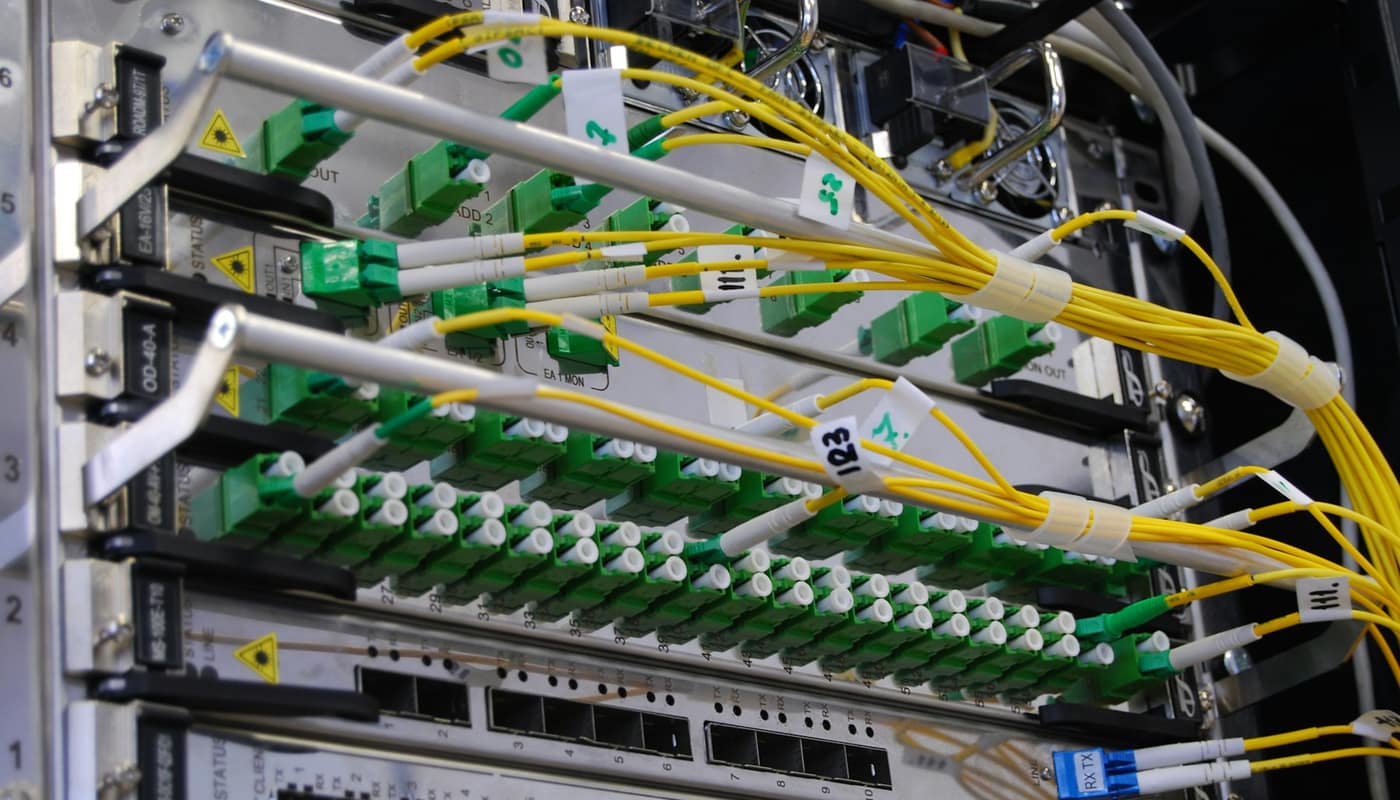
It helps to start with what the internet is not. It is not a company, a cloud or a single wire. It is a network of networks. Home broadband providers, mobile carriers, universities, cloud companies and content platforms each run their own infrastructure, and they connect to one another so that a device on one network can reach a device on any other.
Cloudflare, a network and security company whose engineering blog explains many of these mechanisms, calls the individual networks “autonomous systems” (AS). Each is a network with a unified internal routing policy and its own identifying number, the autonomous system number, or ASN. Cloudflare’s own is AS13335 and Facebook’s is AS32934, according to Cloudflare. The web is just one application that runs over this infrastructure, alongside email, video calls, games and software updates.
What is an IP address and what does it do?
An Internet Protocol (IP) address is a numeric label that identifies a device or network interface so that data can be sent to it. When a computer sends something, the data is broken into small chunks called packets. Each packet carries a source address and a destination address, much like an envelope, and the network forwards each one separately toward its destination.
Two versions are in use. The older one, IPv4, was first deployed in 1983, according to Cloudflare, and still dominates. The newer one, IPv6, dates to 1998 and offers a much larger address space, which matters because connected devices have outgrown the supply of IPv4 addresses and those addresses have become more expensive. Adoption is gradual. In Cloudflare’s measurements from August to October 2023, about 36% of web requests used IPv6, a little over 46% once automated traffic was excluded, and 60.8% of the top 100 domains supported it on the server side. Those are a snapshot from late 2023, not today’s figures.
Addresses also come in groups. A block of addresses is called a prefix and is written with a slash, such as 10.0.0.0/24, an example Cloudflare uses. Networks announce prefixes to each other, and that is the basis of routing.
Why your home address is not unique
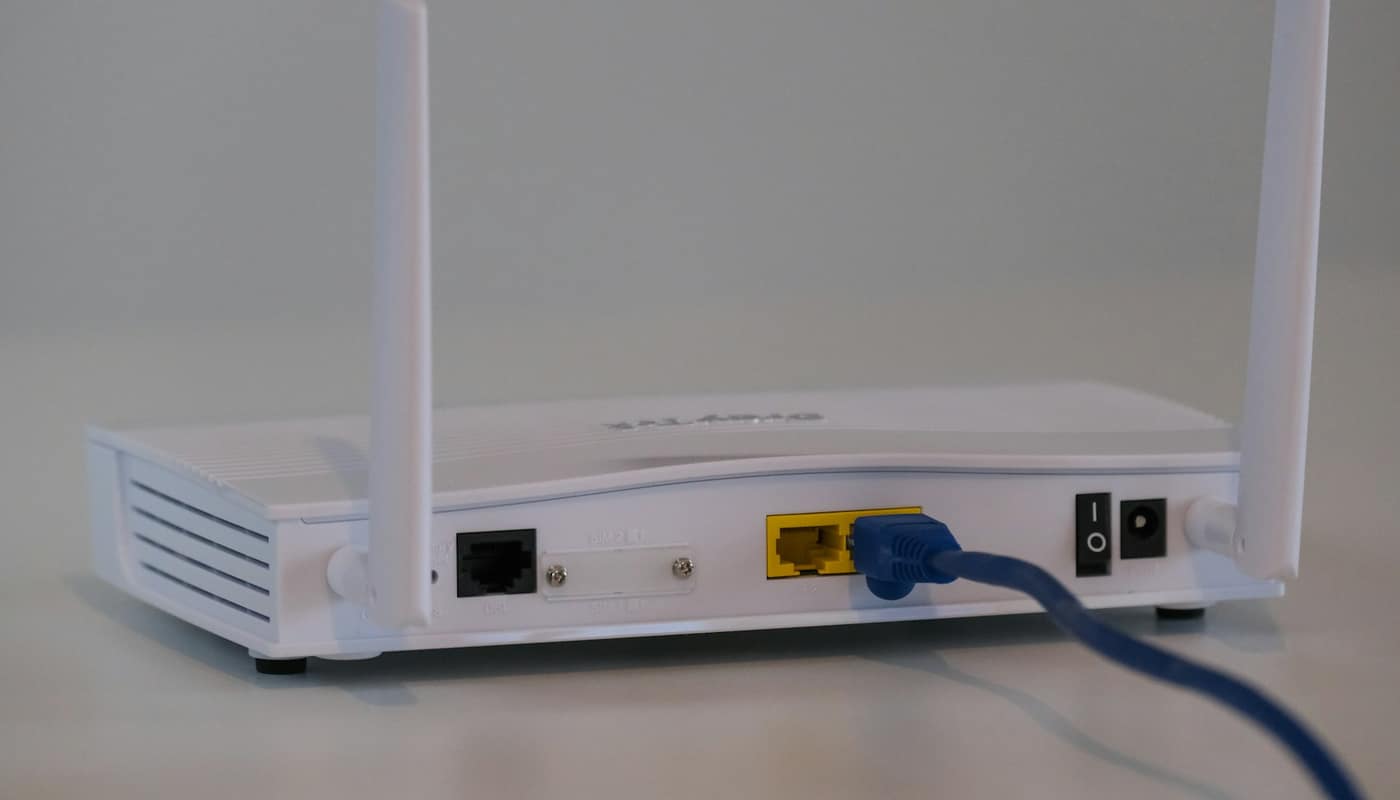
Most home and office networks use private addresses internally, and the router translates them when traffic leaves. That is why two houses can each have a device with the same internal address without clashing. It also explains why the address your laptop reports about itself is often not the one websites see.
How does DNS find a website?
People remember names; networks forward packets by address. DNS bridges the gap. Our separate explainer on how DNS works and why outages spread goes deeper, but the core steps are these, as Cloudflare describes them:
- A browser or app asks a recursive resolver for the address of a name. The resolver is usually run by your internet provider, or it can be a public one.
- If the resolver does not already have the answer remembered, it asks one of the root servers. There are 13 root server identities, run by 12 organizations, according to Cloudflare. The root does not know the address but refers the resolver to the servers for the top-level domain, such as .com.
- Those servers refer the resolver to the authoritative servers for the specific domain.
- The authoritative server returns the answer along with a time to live (TTL), which says how long the answer may be remembered. The resolver caches it for that period.
Caching is why most lookups are fast and why a change to a domain’s records can take time to reach everyone.
A worked example: loading a page from start to finish
Take a reader who types a web address into a phone. Illustrative walk-through:
| Step | What happens | System involved |
|---|---|---|
| 1 | The phone asks its resolver for the site’s address | DNS |
| 2 | The resolver walks root, top-level domain and authoritative servers, or answers from its cache | DNS |
| 3 | The phone now has a destination IP address | IP |
| 4 | Requests are split into packets, each labeled with source and destination | IP |
| 5 | Routers forward each packet toward the destination, hop by hop | Routing |
| 6 | The reply travels back the same way, though not necessarily along the same path | Routing |
| 7 | The browser reassembles the data and draws the page | Application |
Newer web protocols change how steps 4 to 7 are carried out. Our article on HTTP/3 and QUIC explains one such change. The overall division of labor stays the same.
How does routing get data across networks?
Inside one network, the operator decides how traffic flows. Between networks, there is a shared protocol called the Border Gateway Protocol (BGP). According to Cloudflare, BGP exchanges routing information between autonomous systems, and without it routers would not know where to send packets.
A BGP announcement contains a prefix, a path, and the ASN that originated it. A network that controls a block of addresses announces it to its neighbors, who pass it along to theirs. Each router builds a picture of which neighbor is the best next step toward each prefix. Cloudflare says BGP also provides alternative paths when a router fails, which is part of why the internet tolerates many individual faults.
There is no central map. Each router knows only what its neighbors have told it, and forwards packets one hop at a time. The system works because of cooperation among very large numbers of operators. Cloudflare’s description says more than 700,000 IPv4 routes and 40,000 IPv6 routes were being announced, a figure from an article first published in 2018 and so likely to have grown. Five regional internet registries allocate address blocks and ASNs: AFRINIC for Africa, APNIC for Asia-Pacific, ARIN for North America, LACNIC for Central and South America, and RIPE for Europe, the Middle East and Russia.
What happens when routing or DNS breaks?
The best-documented example is the Facebook outage of October 4, 2021, analyzed by Cloudflare. Cloudflare reports that at about 15:40 UTC there was a peak in routing changes from Facebook. By 15:58 UTC Cloudflare had noticed that Facebook had stopped announcing the routes to its DNS prefixes. As a result its DNS servers became unreachable, resolvers including Cloudflare’s 1.1.1.1 could no longer resolve facebook.com, and Facebook, WhatsApp and Instagram went offline.
The failure fed on itself. Public resolvers returned and cached error responses, and retries from apps and people reloading pages pushed DNS traffic on 1.1.1.1 to about 30 times normal, according to Cloudflare. Facebook’s routes returned from around 21:00 UTC, and Cloudflare saw facebook.com resolving again at 21:20 UTC. Facebook attributed the outage to a configuration change affecting its internal backbone; Cloudflare’s post gives no further internal detail, and this article relies on its external observations. For a broader look at how shared dependencies spread faults, see our piece on cloud outages.
Is routing secure? The limits of trust
BGP was built on cooperation. A route leak or hijack, meaning an illegitimate advertisement of address space, can pull traffic to the wrong place. Cloudflare says a hijack implies malicious intent while a leak usually comes from misconfiguration, and that detection and response can take anywhere from minutes to days. Redirected traffic can be read or modified if it is not encrypted.
One defense is Resource Public Key Infrastructure (RPKI). Operators sign statements called route origin authorizations saying which ASN may originate which prefix, and routers can check announcements against them. Cloudflare cites a third-party estimate from 2018 of about 8.7% of IPv4 routes signed and only about 0.5% of networks applying strict validation, and notes that RPKI is “not a bullet-proof solution.” Current figures will differ, so treat these as historical.
A related layer protects DNS itself. DNSSEC (DNS Security Extensions) adds cryptographic signatures to DNS records so resolvers can verify that answers are authentic. It authenticates data; it does not hide it. Encrypted connections between your device and a site protect the content of what you send even when the path is untrusted.
Common misconceptions
- “The internet and the web are the same thing.” The web is one service on top of the internet.
- “An IP address reveals exactly where I live.” It generally identifies a network connection, often shared by many devices behind a router, and location estimates from it are approximate.
- “If a site is down, the internet is down.” A site can fail from a DNS fault, a routing problem or its own servers while everything else works. Switching networks or resolvers is a quick way to tell the difference.
- “Data takes one fixed path.” Packets in the same exchange may take different routes, and paths change as networks update their announcements.
- “DNS and IP are the same.” DNS finds the address; IP delivers to it.
What varies by place and over time
How a person experiences all this differs. Some providers give a household a stable address, others change it periodically. IPv6 reach differs by network and country. Which resolver a device uses depends on the provider or on settings the user chooses. Routing paths and the share of signed routes change continuously, so any single statistic should be read with its date.
The short version, and why it matters
Three layers cooperate: names become addresses through DNS, addresses identify endpoints through IP, and BGP-driven routing moves packets across the networks in between. Understanding the layers makes outages less mysterious, since a failure at any one of them can look like “the internet is down” while the rest keeps working.
This article is general information, not a substitute for professional security or network engineering advice.
Sources: Cloudflare