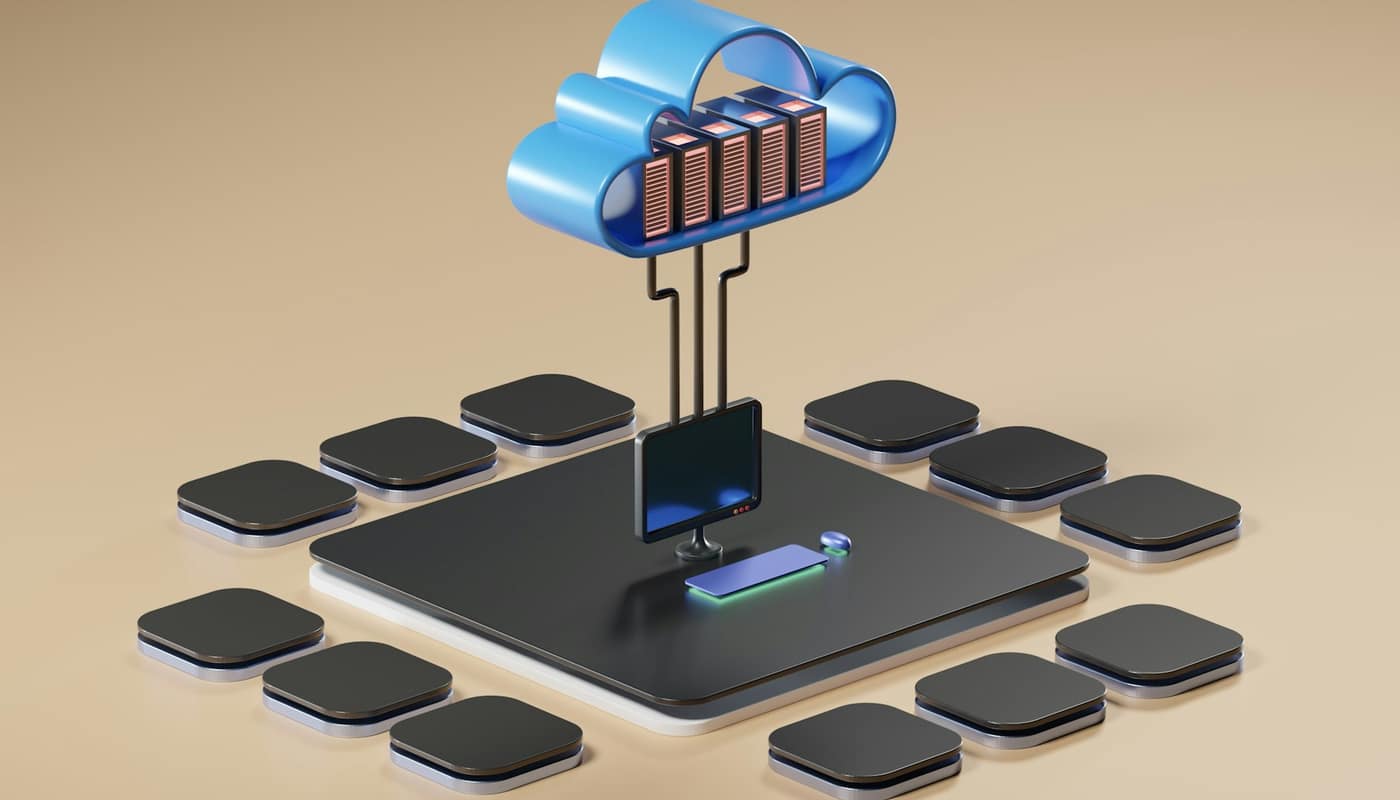
Cloud computing is a way of using computing resources, such as servers, storage and software, over a network when you need them, rather than buying and running them yourself. The “cloud” is not a single place: it is a large set of data centers run by providers and shared among many customers.
What is cloud computing, in the official definition?
The most widely cited definition comes from the US National Institute of Standards and Technology (NIST), in a document published in September 2011. NIST describes cloud computing as “a model for enabling ubiquitous, convenient, on-demand network access to a shared pool of configurable computing resources” such as networks, servers, storage, applications and services. Those resources, it adds, can be “rapidly provisioned and released with minimal management effort or service provider interaction.”
Each part of that sentence matters. “On-demand” means you do not file a purchase order and wait for hardware. “Shared pool” means your workload runs on infrastructure that other customers also use. “Released” means you can give resources back and stop paying for them, which is the main difference from owning a server.
NIST says the model has three parts: five essential characteristics, three service models and four deployment models. The rest of this guide takes them in turn.
The five characteristics that make something “cloud”
According to NIST’s cloud computing program, a service counts as cloud when it shows five traits:
| Characteristic | Plain meaning |
|---|---|
| On-demand self-service | You can set up resources yourself, without talking to a salesperson or technician |
| Broad network access | Resources are reached over the network from ordinary devices |
| Resource pooling | The provider serves many customers from a shared pool |
| Rapid elasticity | Capacity can grow or shrink quickly as needs change |
| Measured service | Usage is metered, so you are billed for what you use |
These traits explain why a hosting arrangement is not automatically cloud. A server rented for a fixed monthly fee, set up by a technician after a phone call, lacks self-service and elasticity. A virtual machine you start in minutes and stop when finished has them.
How does cloud computing work behind the scenes?
At the bottom are physical data centers filled with servers, storage devices and networking equipment. Software called a hypervisor divides each physical machine into several isolated virtual machines, so one server can serve many customers at once. This is the practical meaning of resource pooling.
On top of that sit management systems that handle sign-ups, billing, security and placement of workloads. When you request a virtual machine, a database or a storage bucket (a container for files), software chooses hardware with spare capacity and sets it up, usually within minutes. When you delete it, the capacity returns to the pool.
Large providers also organize their infrastructure geographically into regions, each made up of several separate groups of data centers. That is why a well-designed application can survive the loss of one building. Our look at why one cloud failure spreads so far explains where that protection stops.
Three service models: IaaS, PaaS and SaaS
The service models describe how much of the technology stack the provider manages for you.
- Infrastructure as a Service (IaaS) provides the basic building blocks: computing power, storage and networking. You manage what you install on top, including the operating system and applications.
- Platform as a Service (PaaS) provides an environment for building and running applications. You bring the code; the provider handles more of the underlying machinery.
- Software as a Service (SaaS) provides a finished application, such as web email or online document editing, that you use through a browser or app.
A useful analogy is housing. IaaS is like renting an empty building: you furnish and maintain the inside. PaaS is a furnished apartment where you bring your belongings. SaaS is a hotel room: you simply use it.
The UK National Cyber Security Centre (NCSC) adds two in-between categories in its guidance. It says serverless “blurs the line between PaaS and SaaS,” and that container services behave more like PaaS when managed by the provider but bring only the security benefits of IaaS when you manage them yourself.
Four deployment models: public, private, community and hybrid
Deployment models describe who the infrastructure serves. NIST lists four:
- Public cloud, available to the general public and shared among many customers.
- Private cloud, operated for a single organization.
- Community cloud, shared by a group of organizations with common concerns.
- Hybrid cloud, a combination of two or more of the above, linked together.
Most people meet public cloud daily without noticing, because the apps on their phones and the sites they visit run on it. Governments and regulated industries more often combine public services with private ones.
A worked example: a small shop’s website
Consider a small online shop. Under the old approach, the owner estimates peak demand, buys servers to match, and keeps them running all year, even though busy periods may last only a few days.
On the cloud, the owner can run a modest setup normally and add capacity during a sale. The following figures are purely illustrative. Suppose a server costs $0.10 an hour. Running two servers for 720 hours in a 30-day month costs 2 × 720 × $0.10 = $144. If ten extra servers are added for 48 hours during a sale, the extra cost is 10 × 48 × $0.10 = $48, for a month total of $192. Owning enough servers for peak demand would mean paying for twelve around the clock. The saving comes from measured service and elasticity, not from cloud being cheaper per unit. Real prices vary by provider, region and machine type, and steady, predictable workloads can sometimes cost less on owned hardware.
Who is responsible for security in the cloud?
Moving to the cloud does not move all security duties to the provider. The NCSC describes this as a shared responsibility model. Its guidance says customers always keep some duties: making sure the service meets their security needs, configuring it securely, and deciding what data to put in it.
How the split falls depends on the service model. With IaaS the customer keeps more of the work; with SaaS the provider handles more. The NCSC recommends delegating as much responsibility as you reasonably can to the provider, preferring PaaS over IaaS when building an application, and choosing SaaS where a service meets the need.
Open-source components often sit inside these services too; see our explainer on why everything depends on open-source software.
Common misconceptions about the cloud
“The cloud is someone else’s computer, so it is automatically safe or unsafe.” Neither is true. The provider secures its side, but misconfiguration on the customer side is a common cause of problems, which is why the shared responsibility split matters.
“Cloud always saves money.” It converts upfront costs into ongoing, metered ones. Savings depend on how variable the workload is and how well usage is managed. Resources left running unnoticed still bill.
“Cloud means no outages.” Providers publish detailed post-incident reports because failures do occur, often in shared software rather than hardware. Dependencies such as DNS can make a local fault widespread.
“Cloud and internet are the same thing.” The internet is the network; cloud is a way of delivering computing resources across it.
“Moving data to the cloud means losing ownership.” Ownership is a matter of contract and law, not of location, so the terms of service and data-protection rules that apply to you are what count. These differ by country and by industry, so they need checking case by case.
What varies by person, place and provider
The core idea is stable, but the details differ. Terminology and product names vary between providers. Data-location and privacy rules vary by country and sector. The NIST definition dates from 2011 and remains the standard reference, yet newer approaches such as serverless computing do not fit neatly into its three service models, which is why guidance bodies like the NCSC discuss them separately. Anyone choosing a service should check the provider’s own documentation and contract for what is covered.
The short version
Cloud computing is a shared, metered, self-service way of renting technology over the network. Its value lies in flexibility; its risks lie in dependency and in assuming the provider handles everything. Knowing the three service models and the shared responsibility split is the quickest way to understand what you are actually getting.
This article is general information, not a substitute for professional security, legal or technical advice.
Sources: National Institute of Standards and Technology; NIST Computer Security Resource Center; UK National Cyber Security Centre